

1
Open the workspace instance
Select the app in the intended workspace. Check its name, purpose and local configuration.An app template is reusable. This instance owns its workspace settings and runs. Confirm that you opened the intended instance.
2
Check the input source
Inspect selected datasets, files and parameters where your access permits it. Ask an instance updater to repair missing or incompatible settings.Instance parameters configure a run. A form answering a human wait changes that wait. They are different inputs.
3
Start one run
Use the app’s run control once. Retain the run identifier and inspect its instance, template and workflow versions.Follow the configured tabs or steps. A completed screen element does not by itself establish successful publication.
4
Use the supported elements
Open tables, evidence or documents as the app presents them. Follow source links before interpreting a summary.For a model-step chat, inspect its transcript. Use send controls only where the configured element supports an interactive workspace-agent chat.If a wait is assigned to you, inspect its subject and settle it through the offered decision or answer controls. Read-only mode can disable those actions.
5
Inspect the outcome
Check failed or skipped blocks, partial data, open waits and final outputs. Inspect publication separately from drafting and run completion.Record remaining limitations. Reopening the existing run view does not start another inference run.
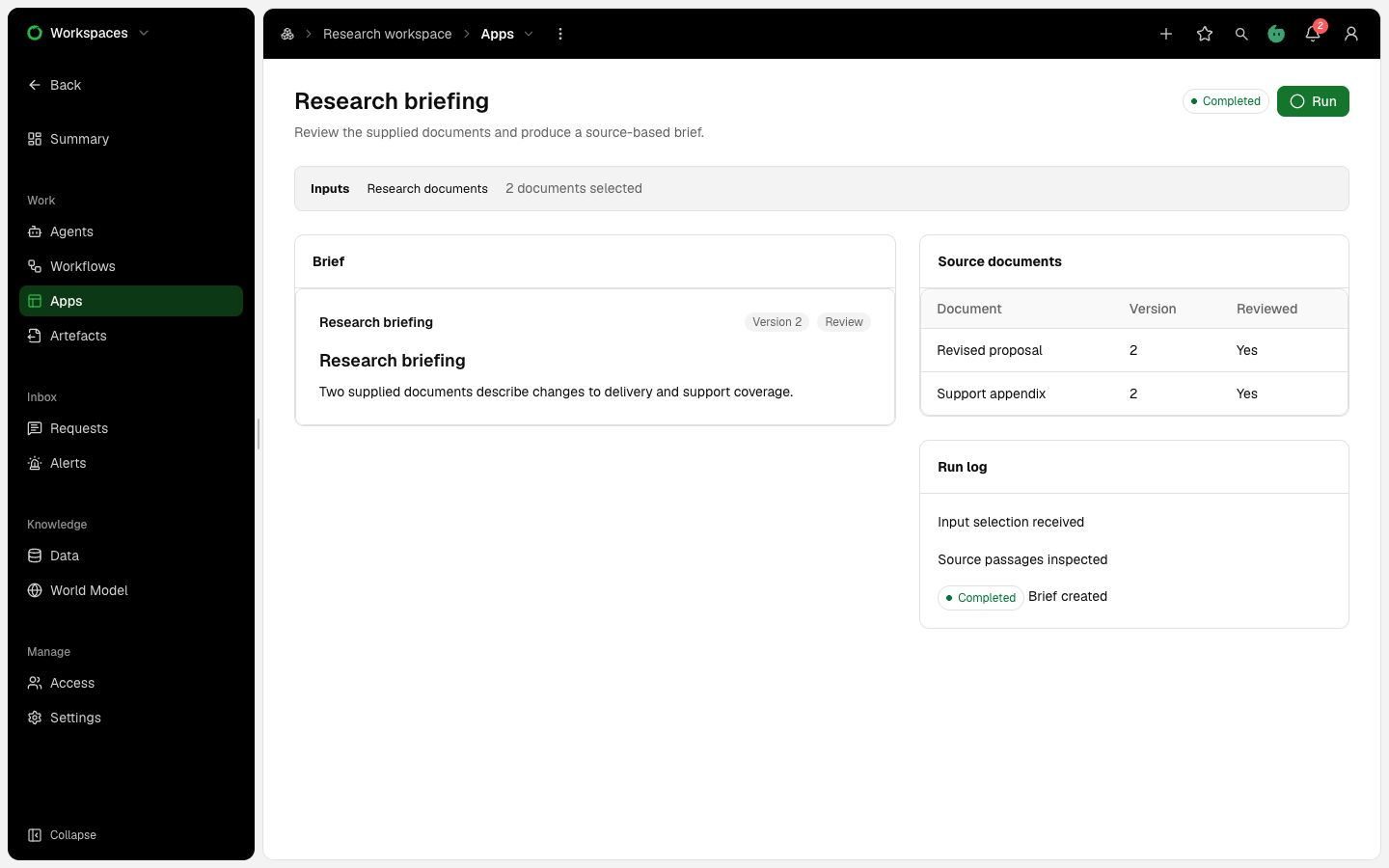
Illustrative app assembled from document, table and log elements. Inputs and controls depend on the app’s template.