

Before you change a collection
You need access to the workspace and the permissions required for the collection and dataset operation. Collection Owners manage the collection; workspace membership alone is not a general right to change every dataset. Check your clearance, the dataset’s highest applicable label, and the security level of every workspace that will reach it. If you are unsure who can authorise the change, ask the relevant collection or dataset Owner.Know what you are organising
A dataset can exist outside a collection. Workspace analysis can select it only after it belongs to at least one collection that the workspace reaches. Direct dataset attachment without a collection is unavailable.
1. Choose a grouping that serves the goal
Start from the workspace brief. In the Bristol bus disruption example, a collection called Service disruption could group prepared operator-alert and roadworks datasets. These are illustrative groupings, not a promise of available connectors or ingested transport data. Include only datasets whose access and coverage have been checked. Create a collection in the workspace, or use an existing collection you are permitted to manage. A useful collection name tells another analyst why its datasets belong together.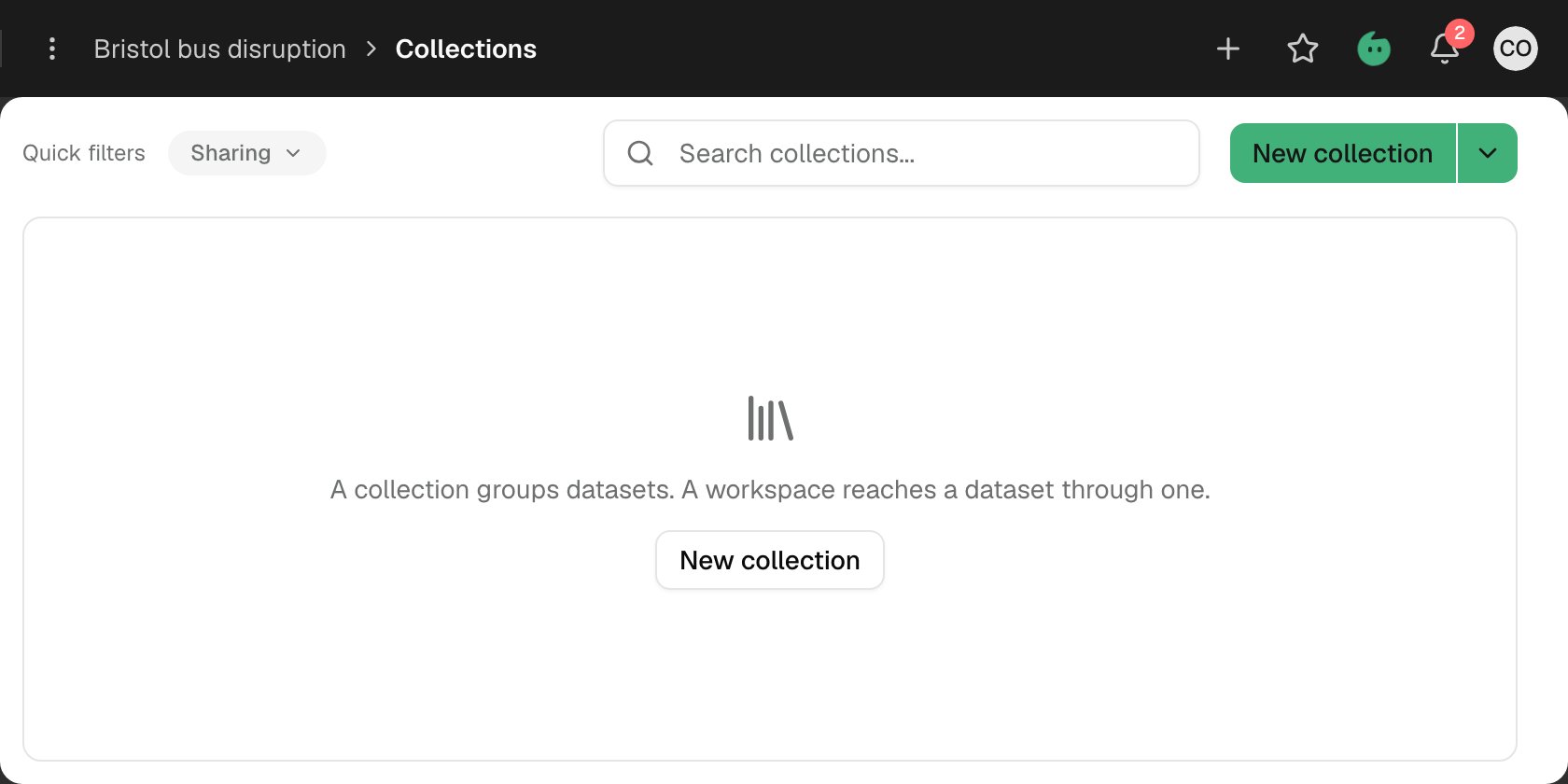
Illustrative empty collection list: the workspace has no grouped datasets yet. An empty list is a setup state, not evidence that no disruption occurred.