

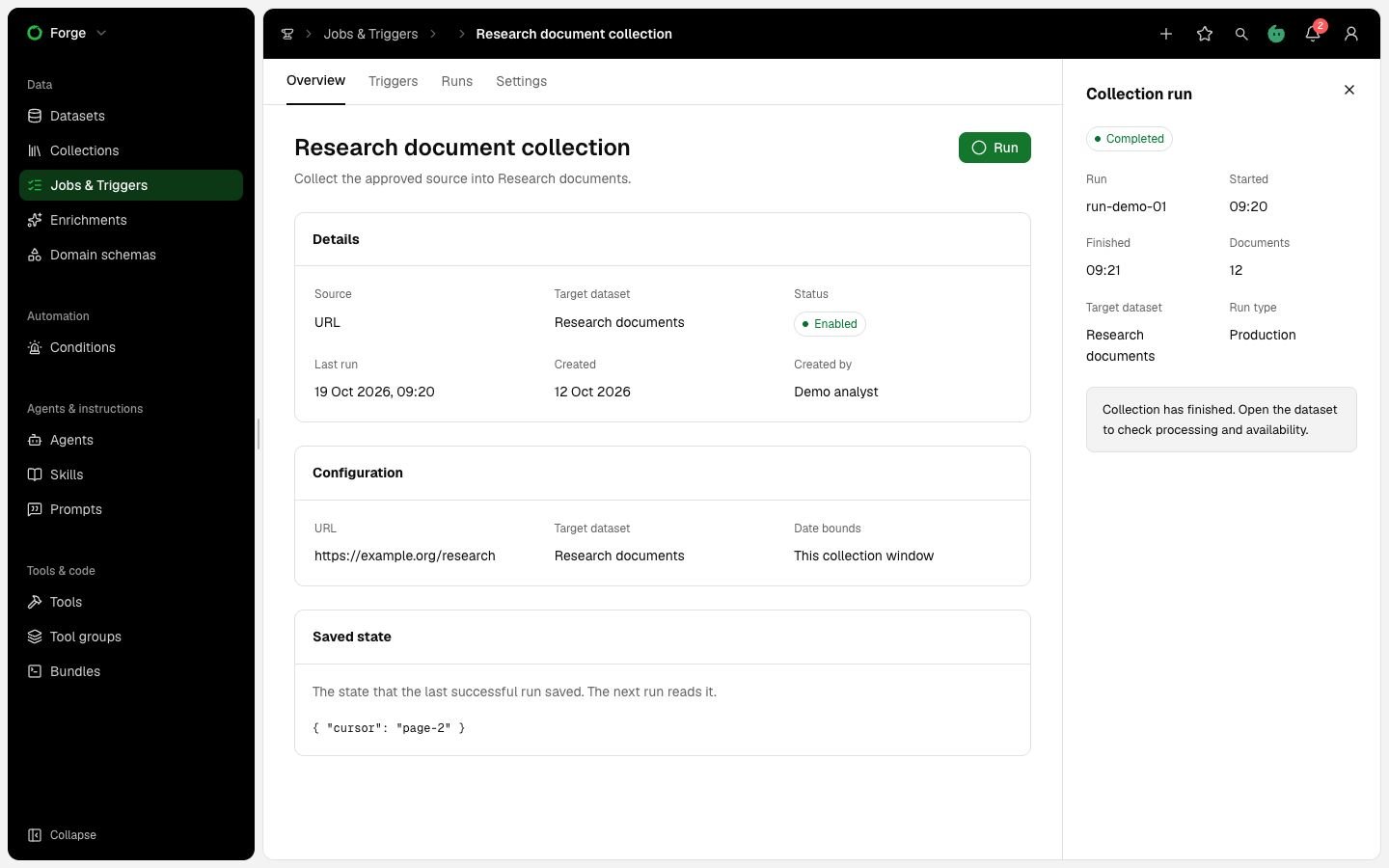
Illustrative collection run: completion of collection is separate from the target dataset’s processing and availability.
Check the job before starting
- Open the dataset’s job, or find it in Forge → Jobs & Triggers.
- Confirm the source, destination, bundle version and saved parameters.
- Inspect secret status. Ask an Admin to resolve Not set or Revoked prerequisites in Console.
- Check date bounds, input limits, spend limits, retention and existing automatic enrichment.
- For a custom Ingest bundle, confirm a successful test for this job and version.
Start and follow collection
For a manual Ingest job, choose Run now, inspect any run overrides and submit once. Retain the run identifier. A schedule or webhook creates an occurrence record. Inspect its action and resulting run separately. A repeated delivery identity joins the same occurrence. Open the run. Check the principal, actual bundle version, input counts, collected material and extraction progress. Parsing the last files means collection ended while parsing continues.Inspect processing separately
Open representative files and fragments. Check extracted text, page order, OCR and media locators against the retained source. Confirm embedding and enrichment status independently. A successful collection run does not establish that every item is searchable or enriched. Check unsupported formats, unreadable pages, missing media and processing horizons. New uploads to the same path create new file versions. Reprocessing can replace current derived content while retained work keeps its selected evidence versions.Resolve errors without repeating collection unnecessarily
Open the dataset Errors list. Read the reason before selecting an action.
A file in a working run cannot be rerun concurrently. Wait for the run to settle. Do not reset a checkpoint to repair a parsing failure.
Finish by checking the original failed inputs, available coverage and new attempt records. Record remaining gaps in your investigation. For expiring input, see Streaming data and retention.